

Screenshots
About OP Auto Clicker
OP Auto Clicker is the auto clicker app that automates repetitive clicking tasks on your computer with precision and ease. Whether you're gaming, testing software, or handling data-entry workflows, this portable automation tool eliminates the need for manual clicking—just configure it once and let it work.
Setting up automated clicks takes seconds. Choose your click interval using flexible time units, select which mouse button to emulate, and decide between single clicks or rapid sequences. You control the repetition cadence and total click count—run it a fixed number of times or keep it active until you manually stop it. The streamlined interface ensures you spend less time configuring and more time automating.
Precision matters when automating tasks. OP Auto Clicker lets you specify exactly where clicks occur: use the current cursor position or target a custom location anywhere on your screen. Simply click to mark the target spot, and the app remembers it for every automated sequence. This flexibility makes it ideal for click automation in games, browser-based applications, or any software that responds to mouse input.
Portability and efficiency are built in. There's nothing to install—download and run OP Auto Clicker immediately. The lightweight design means it takes minimal storage space while running smoothly in the background. As an open-source project, it's transparent, trustworthy, and community-driven, giving you full visibility into how your automation tool operates.
Gamers benefit from hands-free clicking during grinding sessions, farming, or AFK activities. Software testers use it to simulate rapid user interactions for stress testing. Anyone performing repetitive point-and-click work saves hours of manual effort. The app adapts to your workflow, not the other way around.
You get professional-grade click automation without the bloat. No ads cluttering your experience, no unnecessary features slowing things down. OP Auto Clicker delivers straightforward, reliable automation for Windows users who value their time and precision.
Pros & Cons
Pros
- Configure automated clicks in seconds with intuitive controls
- Specify exact click locations or use current cursor position
- No installation required—download and run immediately
- Open-source design provides transparency into how the tool works
Cons
- Limited to mouse clicking—no keyboard automation or scripting
- Risk of unintended clicks if target window loses focus unexpectedly
- No built-in safety features like pause hotkeys or click preview
Frequently asked questions about OP Auto Clicker
Is OP Auto Clicker safe to download?
The OP Auto Clicker file on Unstore was scanned for malware on May 20, 2026. The scan found no confirmed malware but flagged some behavior that calls for caution (risk score 45/100). Check the security report on this page before installing.
What are the system requirements for OP Auto Clicker?
OP Auto Clicker runs on Windows. The download size is 1.1 MB.
What is the latest version of OP Auto Clicker?
The latest version of OP Auto Clicker on Unstore is 4.1. It was last updated on May 22, 2026.
Is OP Auto Clicker free?
Yes, OP Auto Clicker is free to download.
Who develops OP Auto Clicker?
OP Auto Clicker is developed by OP Auto Clicker.
Related Apps

HWiNFO
Hardware monitoring for Windows—track CPU temp, GPU load, fan speed, voltage in real time.

TransMac
Read Mac drives and DMG files on Windows. Access APFS/HFS+ storage and create disk images.

Advanced SystemCare Free
System optimization tool: clean, repair, and secure your PC. Remove malware, fix errors, and boost performance.

Display Driver Uninstaller (DDU)
Driver uninstaller for GPU and audio — removes residual files for clean Windows updates

Glary Utilities
PC maintenance and optimization suite — clean, repair, and speed up your Windows computer in one action.

Universal ADB Drivers
ADB drivers for Android: Connect any smartphone to Windows PC without manufacturer software.
Latest Articles

Play a free Poly Bridge-style bridge builder in your browser (no download)
Nov 14, 2026

Play a free Balatro-style poker roguelike in your browser (no download)
Nov 14, 2026
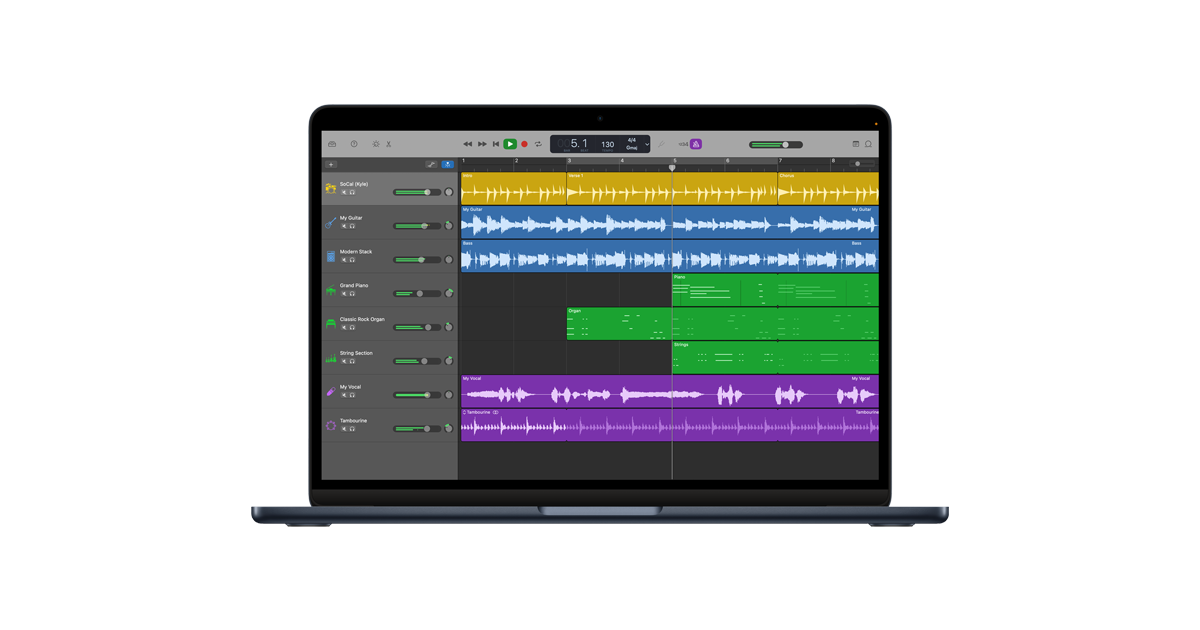
GarageBand for Android or Chromebook? A free music studio in your browser
Nov 14, 2026

FlipaClip for PC or Chromebook? We built a free animation maker that runs in your browser
Nov 14, 2026

Play a free Color Ball Sort Puzzle-style game in your browser (no download)
Oct 6, 2026